

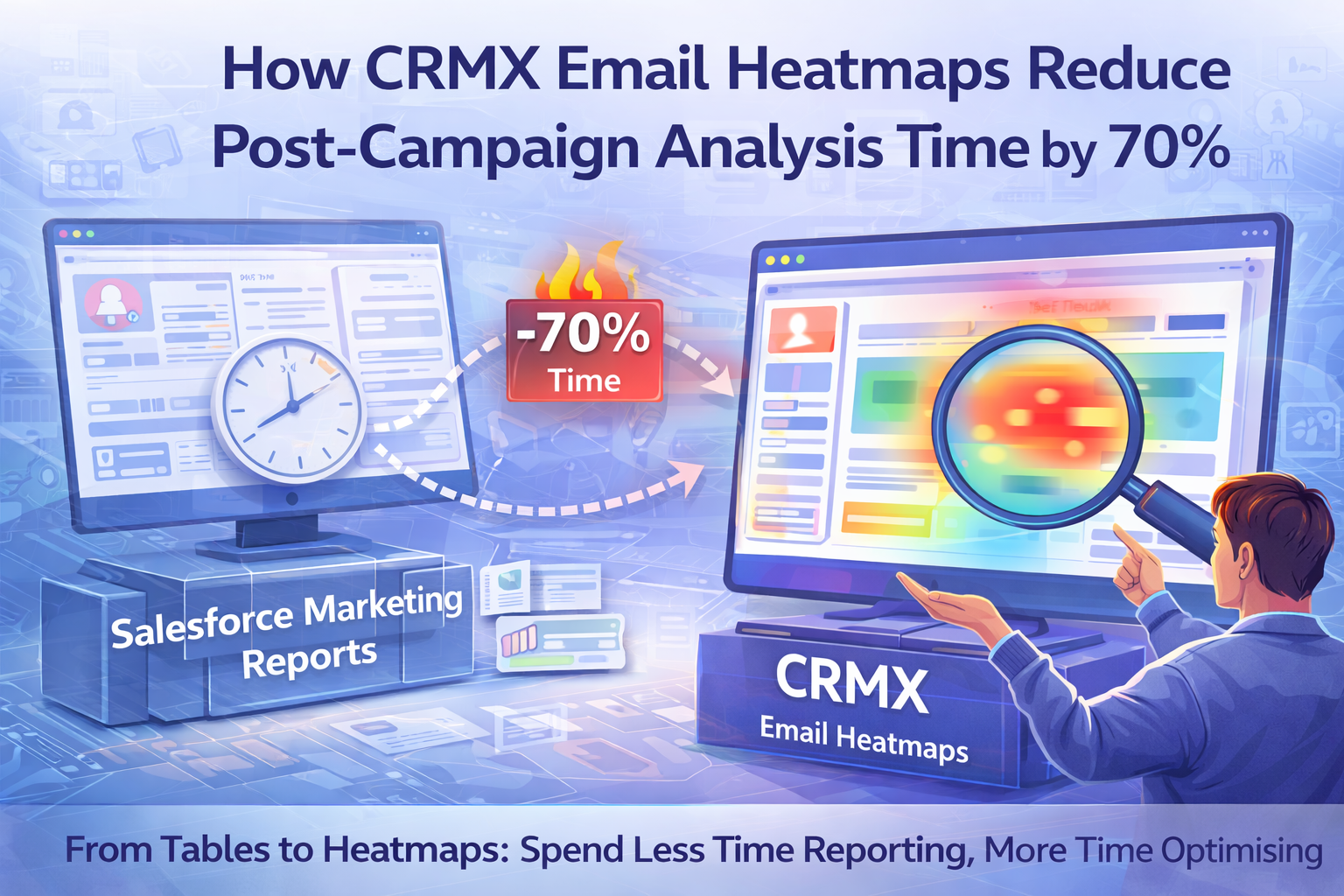

How CRMX Email Heatmaps Reduce Post-Campaign Analysis Time by 70%
Post-campaign analysis is one of the most time-consuming tasks for campaign managers using Salesforce Marketing Cloud (SFMC). After every send, teams are expected to review performance, identify learnings, and decide what to optimise next.
In reality, this process often takes hours.
Not because the work is complex, but because the insight is hidden.
This blog explains why post-campaign analysis takes so long in SFMC and how CRMX email heatmaps reduce analysis time by up to 70 percent.
Why Post-Campaign Analysis Takes Too Long
A typical SFMC post-campaign review involves:
• Opening multiple reports
• Reviewing click tables
• Checking CTR and link performance
• Mapping link names back to the email layout
• Comparing with previous campaigns
• Preparing explanations for stakeholders
Each step adds friction. None of it shows behaviour directly.
Campaign managers spend more time interpreting data than acting on it.
The Core Problem: Insight Is Not Visual
Salesforce Marketing Cloud reports present data in rows and columns. Subscribers, however, interact with emails visually.
Campaign managers must mentally reconstruct:
• Where links appeared
• Which sections were visible
• How attention flowed
• What users noticed first
This mental translation is where time is lost.
Post-campaign analysis becomes slow because visibility is missing.
Why Click Reports Don’t Speed Things Up
Click reports answer basic questions:
• How many clicks occurred
• Which links were clicked
• What the CTR was
They don’t answer:
• Where engagement concentrated
• Which content blocks mattered
• Where users stopped engaging
• Which CTAs competed for attention
Without these answers, analysis expands instead of narrowing.
How Email Heatmaps Change Post-Campaign Analysis
Email heatmaps overlay engagement directly onto the email layout.
Instead of analysing tables, campaign managers can immediately see:
• Engagement hotspots
• High-performing CTAs
• Ignored content
• Drop-off points
• Click competition
This eliminates interpretation work.
Insight becomes instant.
Where the 70 Percent Time Saving Comes From
CRMX email heatmaps reduce analysis time by removing entire steps:
• No need to export multiple reports
• No manual mapping of links to layouts
• No guessing why performance changed
• No long debates over interpretation
What previously took hours often takes minutes.
Faster Analysis Leads to Faster Optimisation
When analysis is faster:
• Decisions are made sooner
• Optimisation happens between campaigns
• Learnings are reused
• Performance improves consistently
Speed compounds over time.
Why This Matters for Campaign Teams
High-volume SFMC teams run:
• Weekly campaigns
• Automated journeys
• Seasonal sends
• Multiple A/B tests
If post-campaign analysis is slow, teams fall behind.
CRMX helps teams keep up without increasing workload.
How CRMX Enables Faster Post-Campaign Reviews
CRMX is built specifically for Salesforce Marketing Cloud Email Heatmap Intelligence.
With CRMX, campaign managers can:
• Load emails by Job ID, email name, or journey
• Instantly visualise engagement
• Identify optimisation opportunities at a glance
• Share visual insights with stakeholders
• Reduce reporting and explanation time
CRMX removes friction from the analysis process.
Why Visual Insight Changes Everything
Visual insight doesn’t just save time. It improves quality.
Campaign managers:
• Feel more confident in decisions
• Spend less time defending conclusions
• Focus on optimisation, not explanation
Time saved becomes value created.
Final Thoughts
Post-campaign analysis should not be the slowest part of email marketing.
When engagement is visible, insight is immediate.
CRMX email heatmaps reduce post-campaign analysis time by up to 70 percent by turning Salesforce Marketing Cloud data into clear, visual intelligence.
Less time analysing. More time optimising.
Want to Reduce Post-Campaign Analysis Time?
See how CRMX Salesforce Marketing Cloud Email Heatmaps help campaign teams analyse faster and optimise with confidence.
Request a demo to explore CRMX email heatmap intelligence.