Salesforce Marketing Cloud (SFMC) gives campaign managers detailed email reports—clicks, CTRs, link-level performance, and A/B test results.
Yet many teams still struggle with the same question after every send:
“What should we actually change next?”
This is where the difference between traditional SFMC reports and email heatmaps becomes clear.
This article compares the two approaches and explains when campaign managers should use each—and why combining them delivers better results.
What Traditional SFMC Reports Are Designed For
Salesforce Marketing Cloud reports are excellent at answering performance questions.
They tell you:
How many clicks an email received
Which links were clicked
CTR and unique click counts
A/B test winners
Performance over time
For monitoring delivery and overall success, this works well.
But optimisation requires more than performance validation.
The Limits of Traditional SFMC Reports
SFMC reports are data-first, not behaviour-first.
They don’t clearly show:
Where clicks happened within the email layout
Which sections attracted the most attention
Whether CTAs competed with each other
How engagement flowed from top to bottom
Why one layout outperformed another
Campaign managers are left interpreting tables and guessing how layout influenced behaviour.
What Are Email Heatmaps?
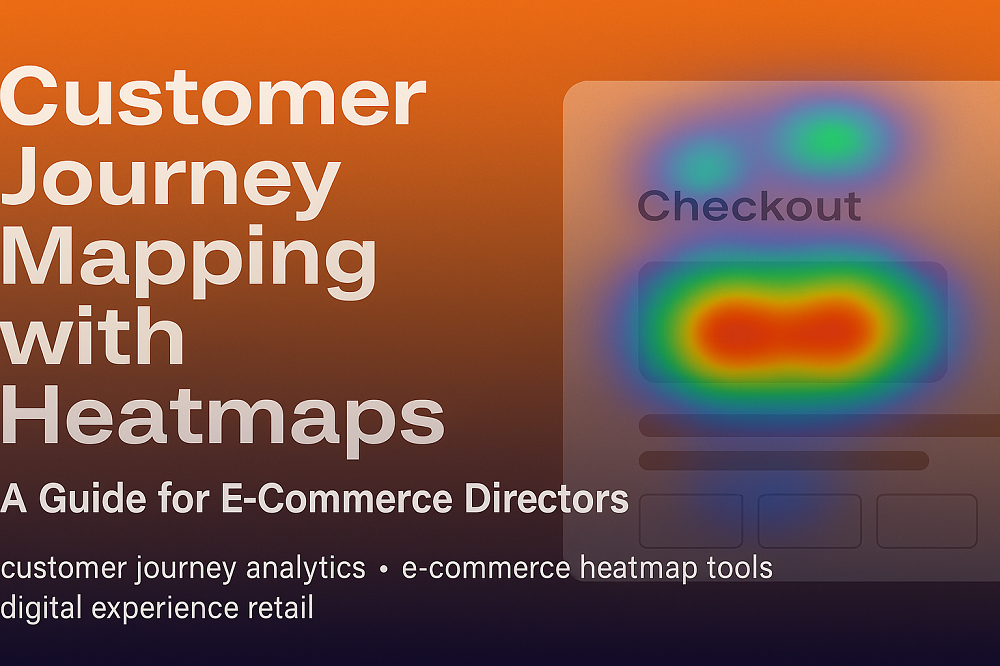
Email heatmaps add a visual layer to SFMC click data.
They overlay engagement directly on top of the email design, showing:
🔴 High-engagement areas
🟡 Moderate-engagement sections
🟢 Low-engagement or ignored content
Instead of reading rows, campaign managers see behaviour instantly.
Email Heatmaps vs SFMC Reports: Side-by-Side Comparison
Traditional SFMC Reports
Email Heatmaps
Tables and rows
Visual overlays
Link-level metrics
Layout-level insight
Requires interpretation
Instantly understandable
Slower analysis
Faster decisions
Shows what happened
Shows why it happened
Both have value—but they serve different purposes.
When Traditional SFMC Reports Are Enough
SFMC reports are sufficient when:
You’re monitoring baseline performance
You’re checking delivery or compliance
You need historical metrics
You’re validating a completed campaign
They answer “Did it work?”
When Email Heatmaps Are Essential
Email heatmaps become essential when:
CTR has plateaued
Multiple CTAs compete for attention
A/B tests don’t explain results
Stakeholders want clearer insight
Campaign volume is high and analysis time is limited
They answer “Why did it work—or not?”
Why Campaign Managers Shouldn’t Choose One Over the Other
The real mistake isn’t using SFMC reports.
It’s stopping there.
Campaign managers get the best results when they:
Use SFMC reports to measure performance
Use email heatmaps to understand behaviour
Apply insights to optimise future sends
Together, they form a complete optimisation loop.
How Email Heatmaps Improve Day-to-Day Optimisation
With email heatmaps, campaign managers can:
Identify which CTAs truly drive engagement
Spot ignored content blocks immediately
Reduce competing links
Improve layout without redesign
Make confident decisions backed by visual proof
Optimisation becomes faster and more repeatable.
Reporting to Stakeholders: Numbers vs Visual Proof
One of the biggest advantages of email heatmaps is communication.
Instead of explaining tables, campaign managers can:
Show where users clicked
Highlight attention hotspots
Clearly justify layout changes
Visual insight builds trust and speeds up approvals.
How CRMX Complements SFMC Reporting
CRMX is built to extend Salesforce Marketing Cloud reporting with email heatmap intelligence.
With CRMX, teams can:
Visualise click behaviour directly on emails
Understand engagement distribution
Compare email versions visually
Turn SFMC data into actionable insight
CRMX doesn’t replace SFMC reports—it makes them more useful.
Which Should Campaign Managers Use?
The answer isn’t email heatmaps vs SFMC reports.
It’s:
SFMC reports for measurement
Email heatmaps for optimisation
Campaign managers who use both move faster, learn more, and optimise with confidence.
Final Thoughts
Traditional SFMC reports tell you what happened.
Email heatmaps show you why it happened—and what to do next.
If your team is serious about improving email performance, visual insight is no longer optional.
Want to See the Difference for Yourself?
See how Salesforce Marketing Cloud email heatmaps transform reporting into actionable insight.
Request a demo to explore email heatmap intelligence built for SFMC campaign managers.