Click-through rate (CTR) is one of the most commonly used metrics in Salesforce Marketing Cloud (SFMC). It is often treated as a primary indicator of email success.
Campaign managers track it closely. Stakeholders ask about it. Reports highlight it.
But relying only on CTR can be misleading.
This blog explains what campaign managers miss when focusing only on CTR and how email heatmaps provide a more complete view of email performance.
Why CTR Became the Go-To Metric
CTR is simple and easy to understand.
It answers a basic question:
• How many people clicked compared to how many opened the email
Because it is easy to measure, CTR became a standard performance benchmark.
However, simplicity comes with limitations.
What CTR Does Not Show
CTR provides a summary, not a full picture.
It does not show:
• Where users clicked inside the email
• Which sections drove engagement
• Whether clicks aligned with the campaign goal
• How attention was distributed
• Where users stopped engaging
Two emails can have the same CTR but completely different user behaviour.
This is where the problem begins.
Why CTR Can Be Misleading
1. High CTR Does Not Mean High Quality Engagement
An email may have a high CTR because:
• Users clicked multiple links
• Navigation links attracted attention
• Curiosity-driven clicks inflated numbers
This does not guarantee meaningful engagement or conversions.
2. Low CTR Does Not Always Mean Poor Performance
A lower CTR email might:
• Drive stronger conversions
• Focus clicks on a single high-value CTA
• Deliver better business outcomes
CTR alone cannot capture this nuance.
3. CTR Hides Link-Level Behaviour
CTR aggregates all clicks into one number.
It doesn’t reveal:
• Which CTA performed best
• Which links distracted users
• Whether engagement was concentrated or scattered
Important insights remain hidden.
4. CTR Does Not Reflect Email Layout Effectiveness
CTR ignores layout completely.
It cannot tell you:
• Whether the CTA was visible
• If users reached certain sections
• How content placement affected behaviour
This makes optimisation difficult.
Why Campaign Managers Need More Than CTR
Campaign managers are expected to:
• Optimise layouts
• Improve engagement
• Increase conversions
• Justify decisions
CTR alone cannot support these tasks.
It shows results, but not reasons.
How Email Heatmaps Fill the Gap
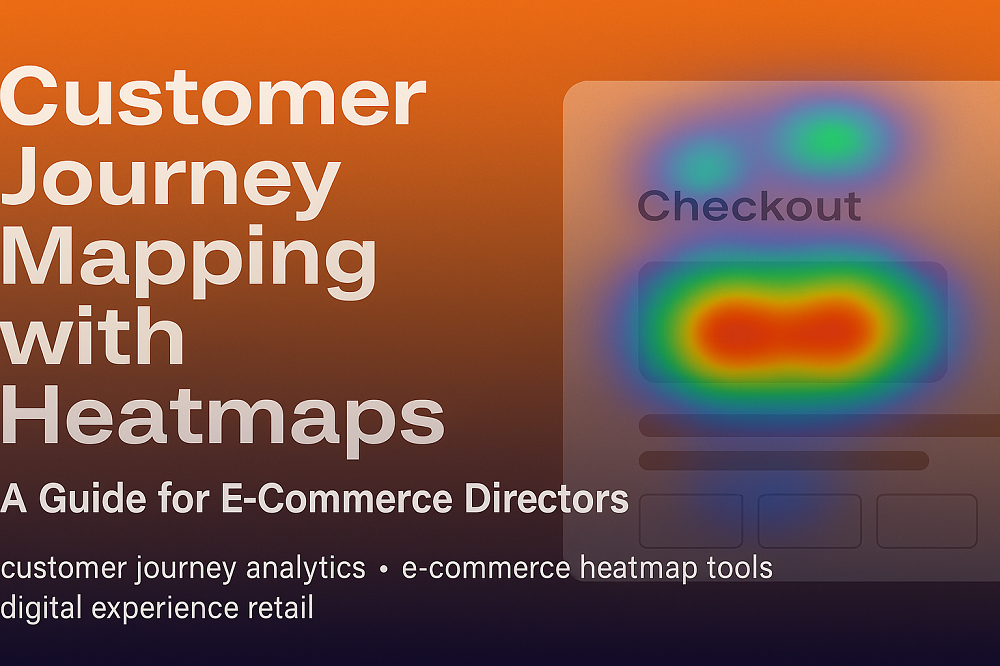
Email heatmaps provide visual engagement insight.
They show:
• Where users click most
• Which sections attract attention
• Where engagement drops
• How users interact with the layout
This transforms CTR from a standalone metric into part of a larger story.
How Campaign Teams Use Heatmaps Alongside CTR
Instead of replacing CTR, heatmaps enhance it.
Campaign teams can:
• Validate whether high CTR aligns with key CTAs
• Identify hidden issues behind low CTR
• Understand click distribution
• Optimise layout based on behaviour
CTR becomes more meaningful when supported by visual insight.
How CRMX Enhances CTR Analysis in SFMC
CRMX provides Salesforce Marketing Cloud Email Heatmap Intelligence built for campaign teams.
With CRMX, teams can:
• Visualise click distribution behind CTR
• Identify high and low engagement zones
• Align CTR insights with layout performance
• Optimise emails with confidence
CRMX turns CTR into actionable insight.
Final Thoughts
CTR is important, but it is not enough.
Salesforce Marketing Cloud shows how many people clicked. Email heatmaps show how and where they clicked.
When you combine both, you gain a complete understanding of email performance.
Stop relying on a single number. Start understanding behaviour.
Want to Go Beyond CTR?
Discover how Salesforce Marketing Cloud email heatmaps help campaign teams understand the full picture behind CTR.
Request a demo to explore CRMX email heatmap intelligence.